When a webtoon disappears from its old platform, it does not necessarily mean the series has ended. The work may have moved to another service, received a new commercial title, restarted as a remake, changed its regional licence, or temporarily disappeared during a publishing transition.
The safest way to locate it is to reconstruct the work’s identity from the old page and creator information, then verify the candidate series on the new platform.
Search results and fan posts can provide useful clues, but the final match should be supported by a creator, publisher, or official platform page.
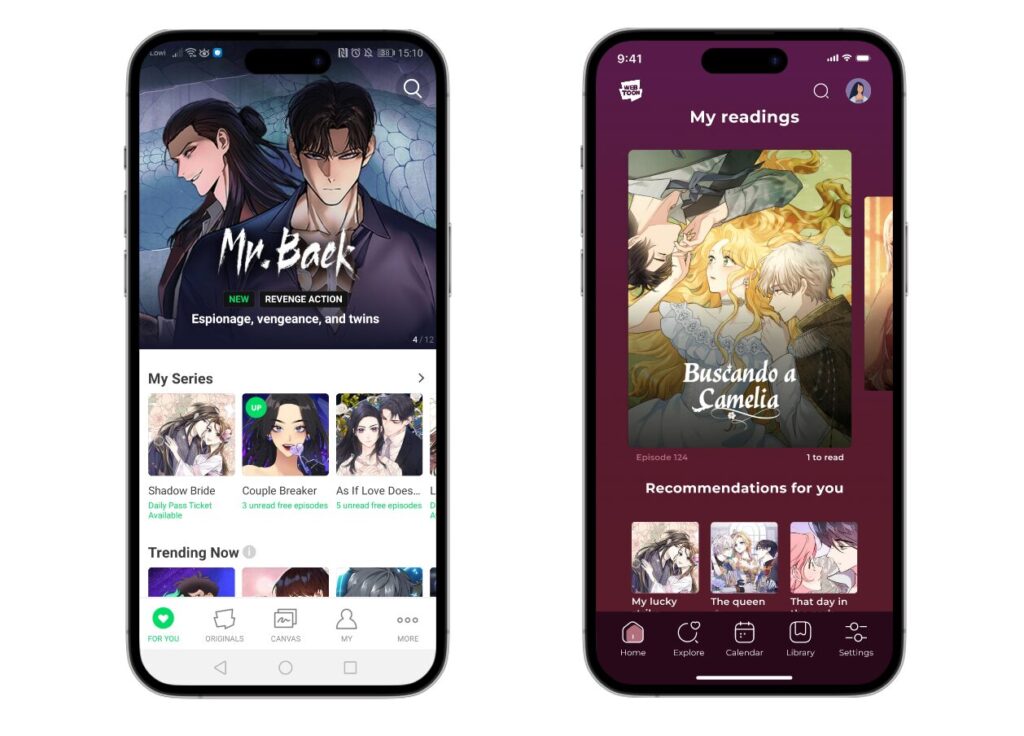
Identification Information From Previous Notices
The strongest evidence often comes from information published before the old page disappeared.
Check the former platform notice, creator profile, publisher announcement, and any linked social accounts for details such as:
- new platform name
- transfer or relaunch date
- new title
- publisher or studio
- season-ending notice
- final episode number
- creator names
If the old platform announced that serialization would end on a particular date and continue somewhere else, preserve the wording of that notice.
An original announcement from the creator or platform should take priority over a later fan post containing an unfamiliar link.
The old URL itself is also useful. Even when the page no longer loads, its title slug, series ID, creator username, or metadata may help distinguish it from similarly named works later.
If the old page is still accessible, record the title, creator credits, cover image, synopsis, episode count, and final visible episode before searching elsewhere.
Search Terms for Changed Titles
A migrated series may not retain exactly the same title.
Localized releases can use different translations, while commercial relaunches may shorten the original name, add a season subtitle, or replace a working title used during self-publication.
Create several search combinations instead of relying on one phrase.
Useful identifiers include the original title, translated title, writer name, artist name, studio, publisher, and main character names.
For example:
original title + creator
translated title + publisher
creator name + main character
old title + new platform
publisher + distinctive character name
Google’s site: operator can also restrict a search to a particular platform domain. Google continues to document site: as a supported search operator.
Search spelling variants as well. Spaces, punctuation, capitalization, romanization, and subtitles can change between editions.
A title such as Example Story: Season 2 may later appear as Example Story, while a Korean title may receive an English commercial title that shares none of its wording.
For that reason, creator and character information can sometimes identify the work more reliably than the title itself.
Comparison of the Candidate Series
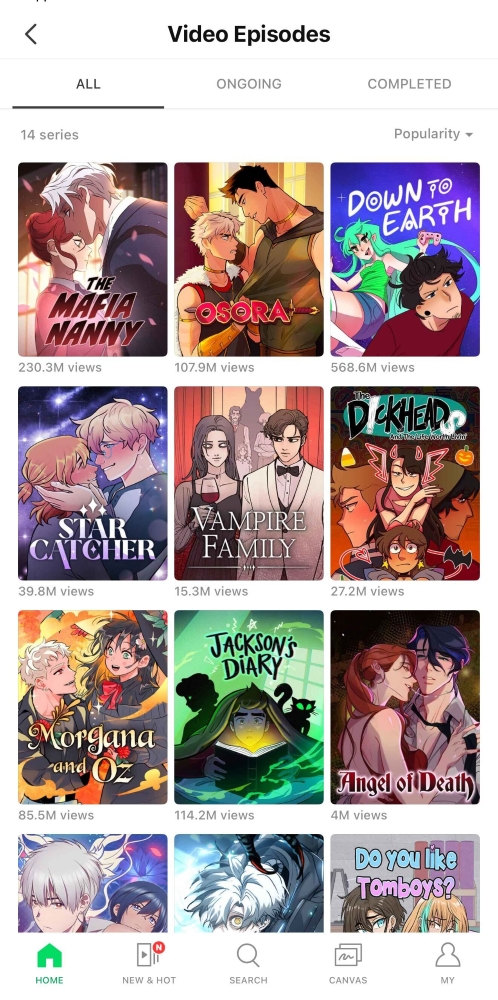
Finding a similar title is only the beginning.
Open the suspected new series page and compare it with the information preserved from the old version.
Start with the synopsis and cover. Then compare the writer, artist, adapter, and studio credits.
Next, inspect actual episodes where access allows.
The first episode can reveal whether the new page represents the same serialization, a completely redrawn remake, or a related novel adaptation.
Also compare the point where the old version ended.
If the previous platform stopped at Episode 35 but the new service begins with a rewritten Episode 1, the series may have been relaunched rather than transferred directly.
Character appearance, opening scenes, dialogue sequence, and story events provide additional confirmation.
This step also prevents confusion between a webtoon and its original web novel. Commercial platforms may host both under nearly identical titles and cover designs.
The most reliable identification combines several matching features:
title or alternate title + creator credits + synopsis + character design + episode content
A shared title alone is not enough.
Episode Succession and Re-Release Structure
A platform move can preserve episodes in several different ways.
Some services may make the existing catalog available at once. Others may restart publication from Episode 1 and release older material again on a weekly schedule.
A remake may also combine or split chapters, causing episode numbers to stop matching the original release.
For example:
Old Episode 1 → New Episodes 1–2
Old Episodes 2–3 → New Episode 3
Old Episode 20 → New Episode 18
When numbering has changed substantially, a small correspondence table can prevent readers from restarting in the wrong place.
Compare episode titles, opening and closing scenes, and major plot events rather than relying only on numbers.
Purchase rights require a separate check.
Coins, unlocked chapters, rentals, and purchased episodes on the old service do not automatically become valid on another platform. Whether previous buyers receive restored access, promotional credits, refunds, or nothing depends on the specific migration arrangement.
Look for a platform notice explaining account migration or purchase treatment before assuming that users must either pay again or receive automatic access.
A commercial publishing agreement can also impose conditions that are not part of ordinary self-publishing terms. WEBTOON states that CANVAS creators retain ownership of their work, and Tapas likewise states that creators uploading independently retain their creative and publishing rights. A separate publishing agreement can contain additional obligations, so exclusivity should be confirmed from the specific announcement rather than inferred from the disappearance of the old page.
Official Web Addresses and Work IDs
Mobile search results can create another problem: tapping a result may immediately open the application without revealing a reusable web address.
Once the correct series is identified, use the platform’s official Share function where available and preserve the resulting web URL.
Also record any series or work ID visible in the URL.
A title can change, but a persistent identifier may remain useful for later searches or support inquiries.
Keep both:
Official web page: the browser-accessible series address.
Work ID: the platform’s numeric or alphanumeric identifier where visible.
The creator or publisher page linked to the series can also be recorded as secondary verification.
This is more reliable than saving only an app deep link that may stop working when the application is removed or updated.
Login, Age, and Regional Access Conditions
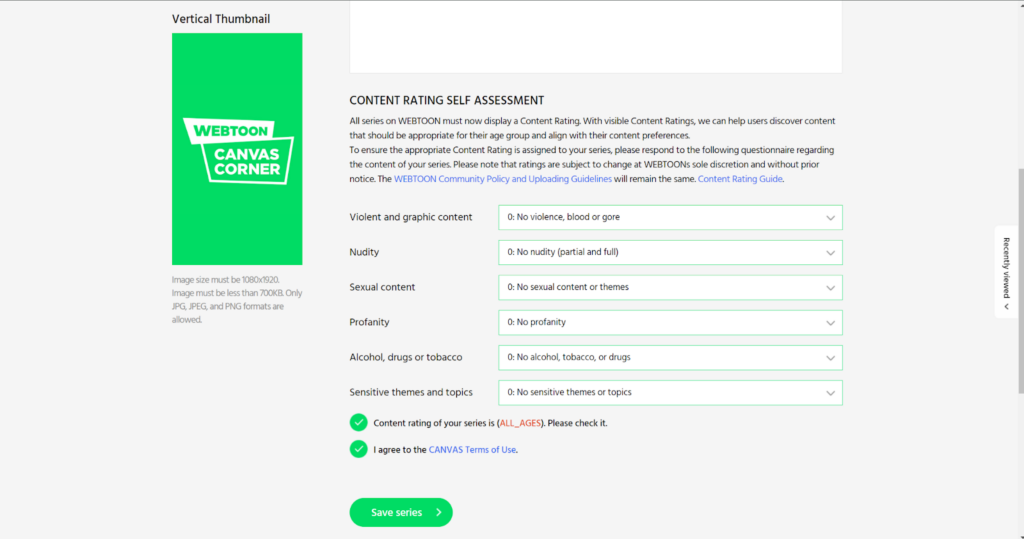
A page that fails to open should not immediately be classified as deleted.
Commercial webtoon platforms may restrict content according to account status, age verification, language edition, country, or licensing territory.
One reader may therefore see the series page while another receives a login prompt or unavailable-content message.
WEBTOON’s terms explicitly recognize that some digital content is made available only in locations where the necessary rights have been licensed.
When documenting a migrated work, record any access condition you encounter:
- login required
- age verification required
- specific language edition
- country or regional limitation
- app-only episode access
This distinction prevents a region-locked page from being reported incorrectly as a deleted series.
It is also useful to check both the official website and application. Sometimes a search-engine result exposes a valid series URL even when the mobile link immediately redirects into the app.
Archived Evidence From the Previous Platform
When the creator account and original series page have both disappeared, archived copies can help reconstruct the history.
The Internet Archive’s official Wayback Machine tools allow previously archived versions of websites to be viewed and pages to be preserved through Save Page Now when archiving is possible.
An archived series or creator page may preserve the old title, synopsis, creator username, publisher information, external social links, or final migration announcement.
These records are evidence of what the old page contained, not proof that a newly discovered platform is authorized.
Use archived information to identify the work, then verify the current destination through a live creator, publisher, or platform source.
Verification of the Current Official Page
A reliable migration search should end with a clear chain between the old and new versions.
Record the old title and creator information first. Search multiple title and creator variations. Compare the candidate page’s credits, cover, synopsis, and episode content. Determine whether the release is a continuation, complete republication, or remake.
Then identify how earlier episodes are being released and whether previous purchases carry over.
Finally, save the current official web URL and work ID and note any login, age, or regional restrictions.
The practical sequence is:
old notice and creator information → title and creator search variations → episode-level comparison → migration and purchase conditions → official web URL and work ID
This process is more reliable than following the first fan-shared link and greatly reduces the chance of confusing a remake, novel edition, unofficial repost, or similarly named series with the webtoon’s actual new home.